Console Emulators: The Complete Guide to Every System Worth Emulating on PC
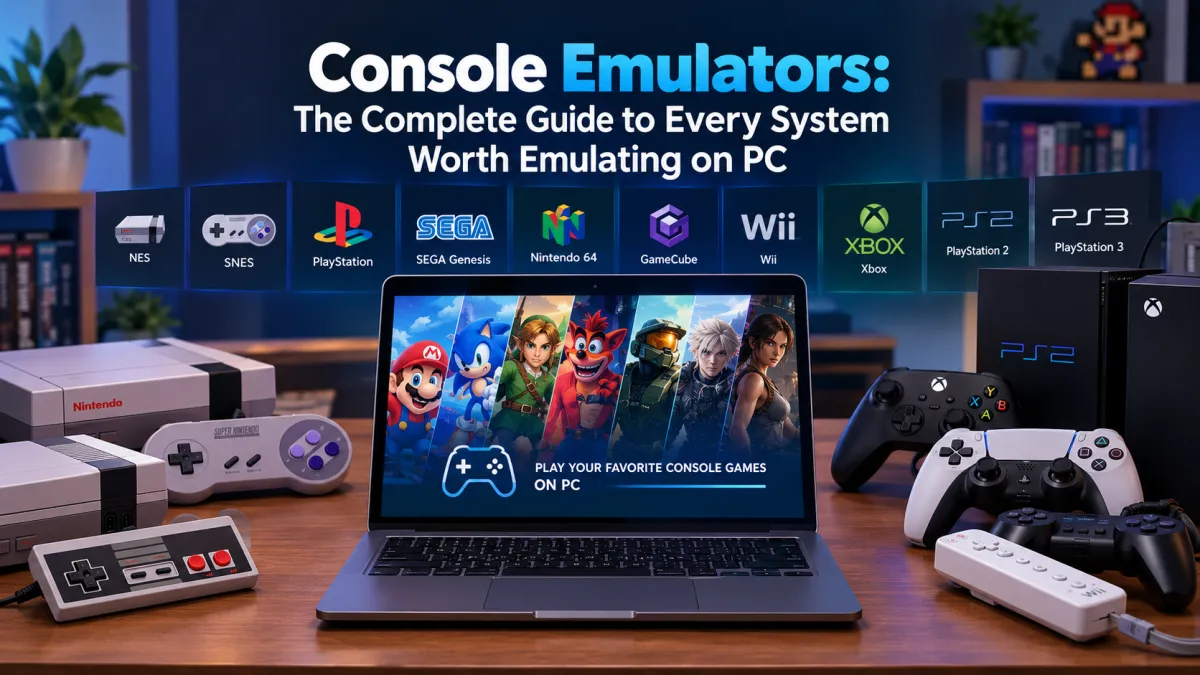
Most "best console emulator" articles either try to cover everything in one flat, confusin...


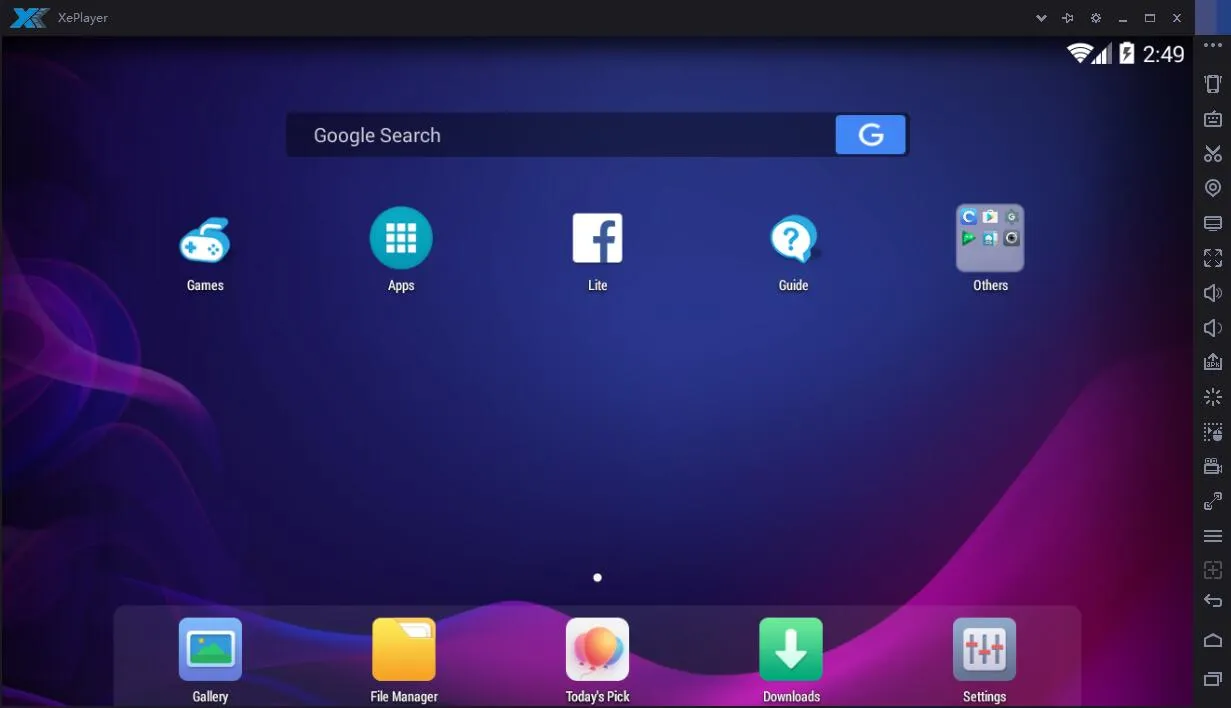
XePlayer is a free Android emulator for Windows that enables users to run mobile games and applications seamlessly on their desktop or laptop. Built on x86 architecture with hardware acceleration and OpenGL support, it offers a stable Android environment with integrated Google Play Store access, gamepad compatibility, and video recording capabilities. The emulator requires virtualization technology (Intel VT-x or AMD-V) for optimal performance and is compatible with Windows 7/8/10/11 systems.
Dual-core processor (Intel or AMD) with virtualization support (Intel VT-x or AMD-V)
2GB
2GB free space
Reviews are moderated. Your review will be published after being approved by an administrator.
Have an account? Log in to post a review, or continue below with your name and email.
Get the latest version of XePlayer and start using it right away.
Game Loop
GameLoop, developed by Tencent, is a robust Android emulator designed for Windows, enabling users to enjoy popular mobile games such as PUBG Mobile, Call of Duty: Mobile, and Pokémon UNITE on their PCs. It enhances the gaming experience by offering precise controls, high frame rates, and access to a vast library of games.

Smart Gaga
SmartGaGa is a top-tier Android emulator for PC, perfect for gaming enthusiasts. It excels in running high-performance FPS games like PUBG Mobile and Free Fire with stunning graphics and smooth gameplay. Its user-friendly interface, custom keymapping, and multi-instance support make it a favorite among gamers.

BlueStacks
Bluestacks is a leading Android emulator that allows users to run Android apps and games on Windows and Mac computers. It offers advanced features like custom key mapping, multi-instance support, and high frame rate gameplay, making it ideal for gamers and app enthusiasts. With Bluestacks, enjoy the full potential of Android applications on a larger screen with enhanced performance.

Ant Emulator
Ant Emulator is a versatile Android emulator designed for running Android apps and games on your PC. It delivers smooth performance even on low-end hardware, making it accessible for users with less powerful systems. With customizable controls, multi-instance support, and compatibility across various Android versions, it’s perfect for gamers and developers alike. Its seamless integration with Google services ensures a hassle-free experience for all your favorite apps and games.

Game Loop Chinese
GameLoop Chinese is a dedicated version of the GameLoop emulator for the Chinese market, developed by Tencent. It offers faster performance and quicker updates compared to the global version, supporting Android 4.1 and 7.1. This emulator is ideal for running Android games and applications on Windows PCs, with features like custom keymapping, multi-instance support, and screen recording.
Fresh guides, news, and insights
Most "best console emulator" articles either try to cover everything in one flat, confusin...
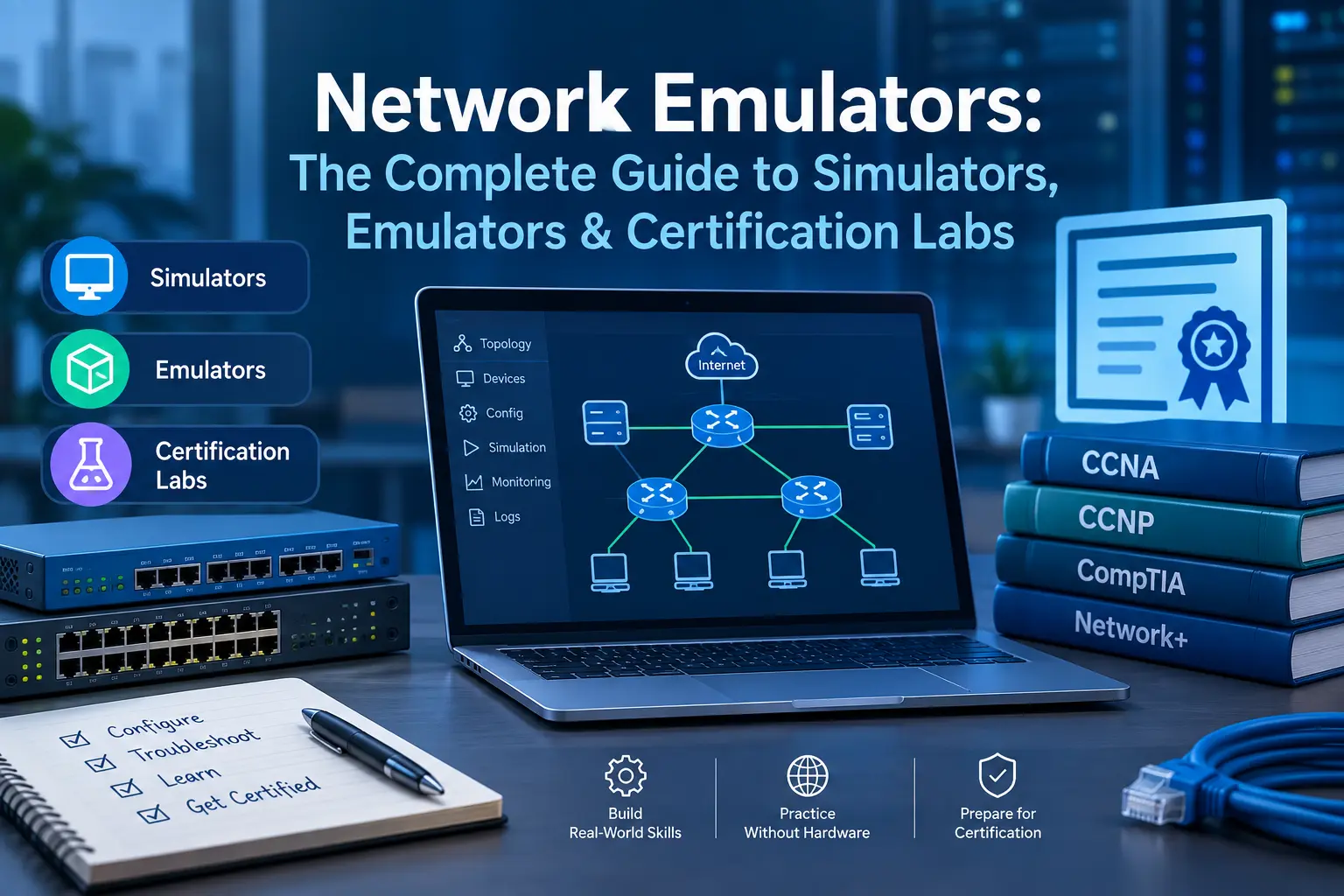
Search "network emulator" and you'll mostly find the same five tools recycled across a doz...
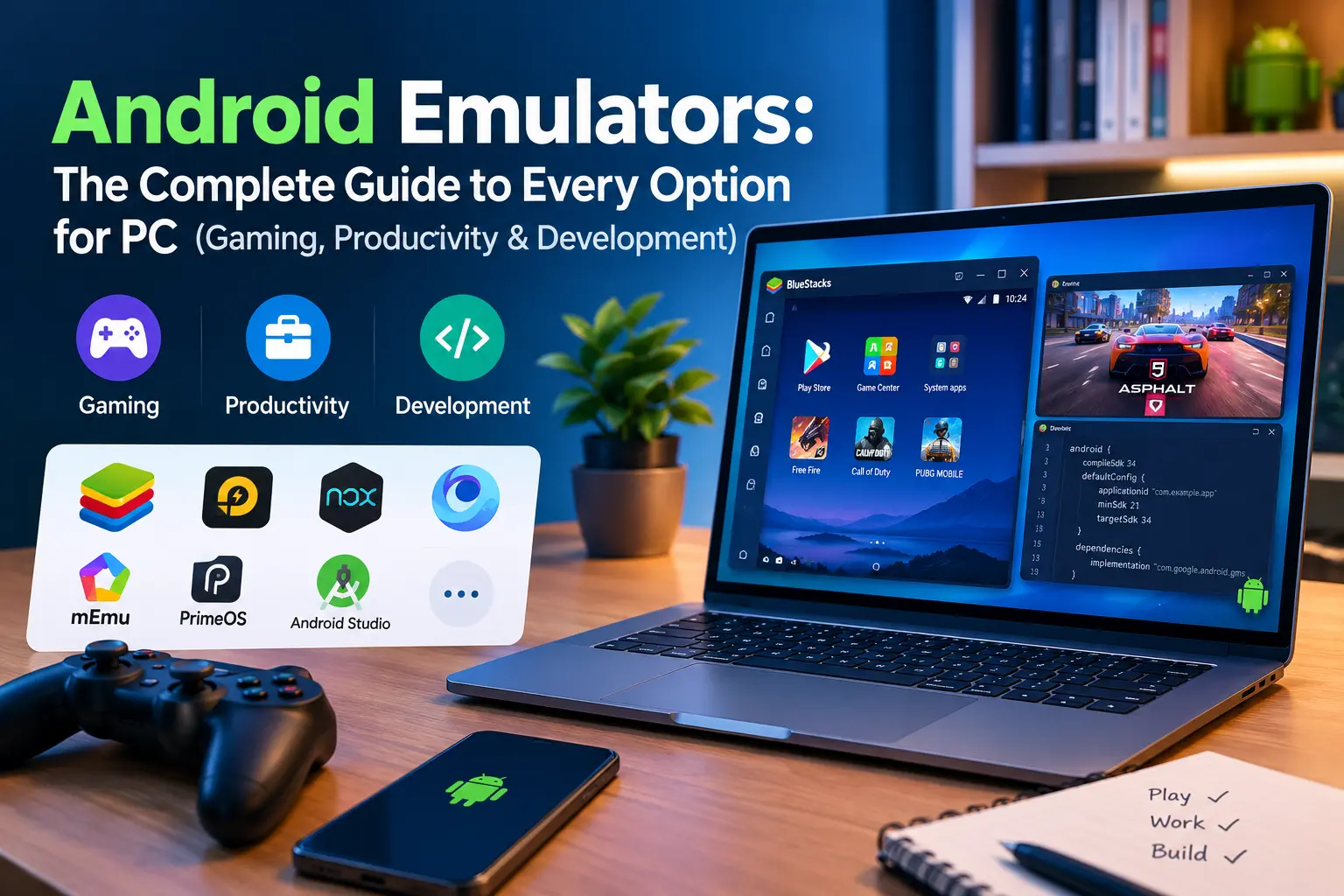
Type "Android emulator" into Google and you'll get no shortage of opinions — most of them...
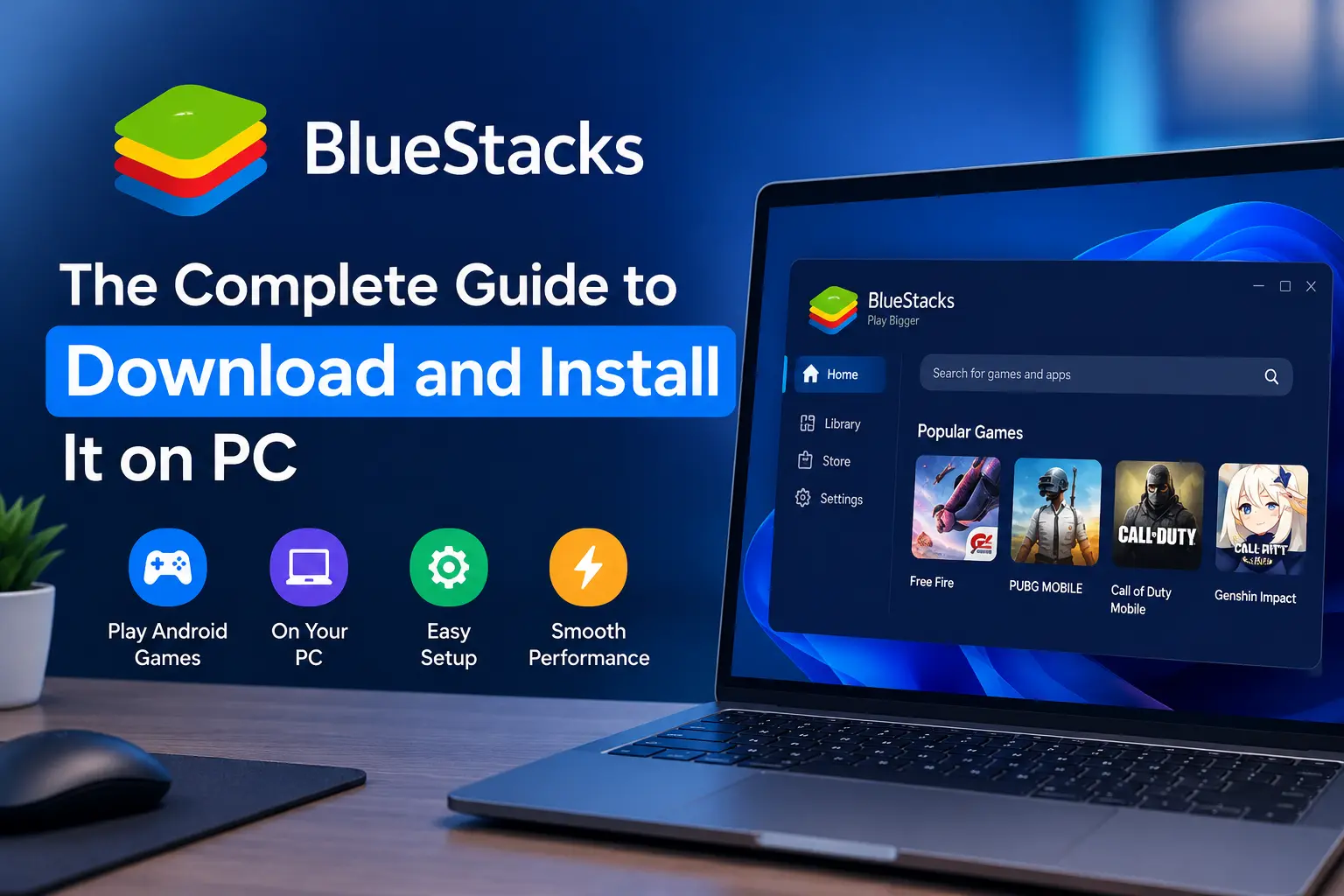
If you've ever wanted to play a mobile game on a bigger screen, or you're testing an Andro...